Welcome to the Steps Component project! This is a simple and interactive multi-step guide built with Vite and React. The project demonstrates how to navigate through different stages using state management in React.🛠️
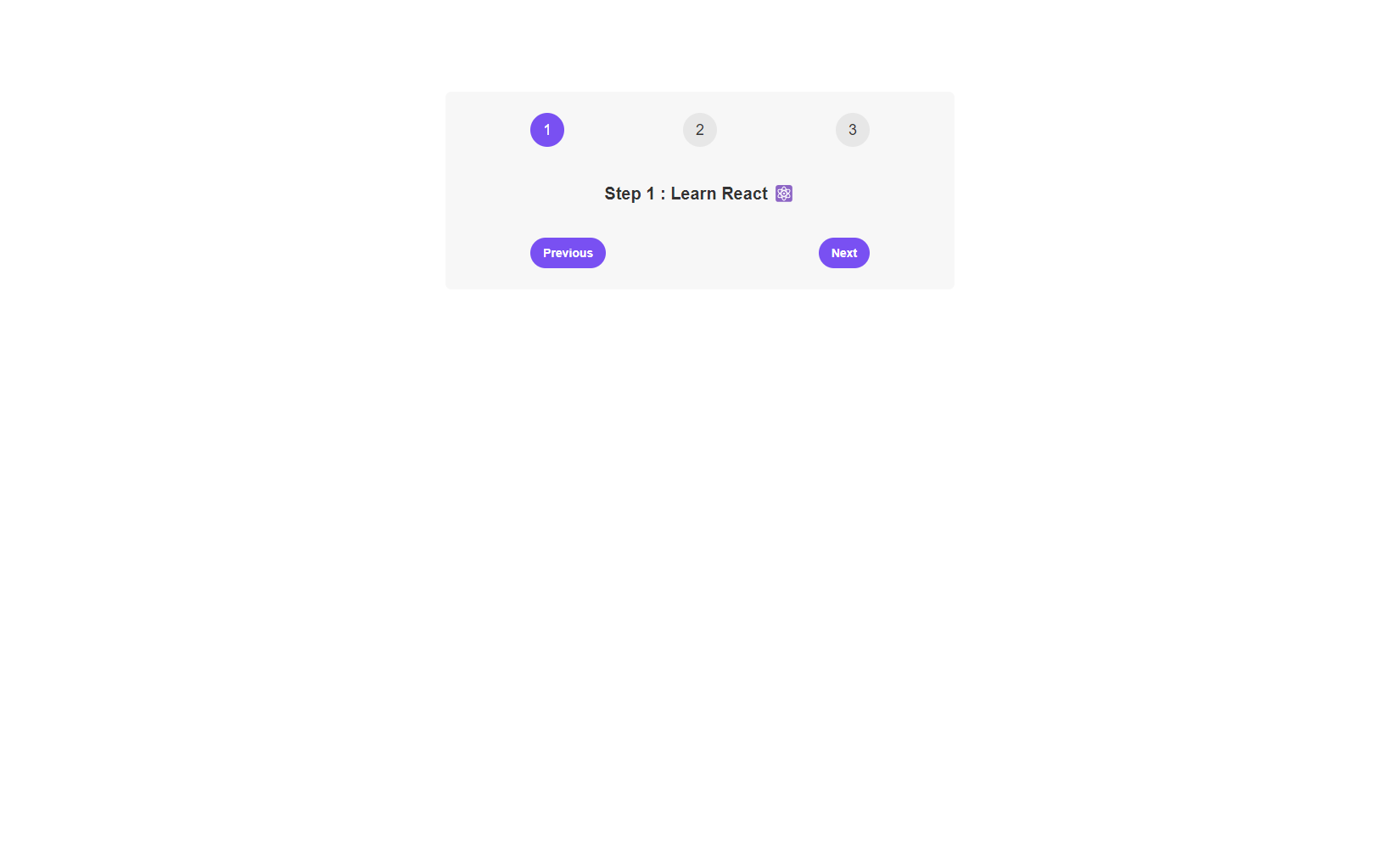
Live Demo https://steps-component-three.vercel.app
- Vite: A fast and lightweight build tool optimized for modern web development ⚡
- React: A popular library for building dynamic user interfaces ⚛️
- CSS: Styled using basic CSS for clean and minimal design 🎨
- Step Navigation: Users can move between steps using "Previous" and "Next" buttons ⬅️➡️
- Dynamic Step Highlighting: The current step is highlighted for visual clarity 🔍
- Responsive Layout: The component is built to adapt to different screen sizes 📱💻
To get started, follow these simple steps:
-
Clone the repository: 🌀
git clone https://github.com/ramxcodes/Steps-Component
-
Navigate into the project directory: 📁
cd Steps-Component -
Install dependencies: 📦
npm install
-
Start the development server: 🚀
npm run dev
-
Open your browser and go to: 🌐
http://localhost:5173/
The component is structured with React's useState to manage the current step. Below is an overview of the main App component:
import { useState } from "react";

const messages = [
  "Learn React ⚛️",
  "Apply for jobs 💼",
  "Invest your new income 🤑",
];

function App() {
  const [step, setStep] = useState(1);

  function handlePrevious() {
    if (step > 1) setStep(step - 1);
  }

  function handleNext() {
    if (step < 3) setStep(step + 1);
  }

  return (
    <div className="steps">
      <div className="numbers">
        <div className={step >= 1 ? "active" : ""}>1</div>
        <div className={step >= 2 ? "active" : ""}>2</div>
        <div className={step >= 3 ? "active" : ""}>3</div>
      </div>
      <p className="message">
        Step {step} : {messages[step - 1]}
      </p>
      <div className="buttons">
        <button
          style={{ backgroundColor: "#7950f2", color: "#fff" }}
          onClick={handlePrevious}
        >
          Previous
        </button>
        <button
          style={{ backgroundColor: "#7950f2", color: "#fff" }}
          onClick={handleNext}
        >
          Next
        </button>
      </div>
    </div>
  );
}

export default App;